Walmart Credit Card Guide – How To Apply + Rewards
A cashier once asked me if I wanted to save five percent on my purchase just by applying for a card right there at checkout.
I said yes without thinking twice, and later found out that quick decision came with a few details I wish I had known first.
The application process, the rewards, and even how you pay the bill all work a little differently than most store cards.
Walmart Credit Card Program
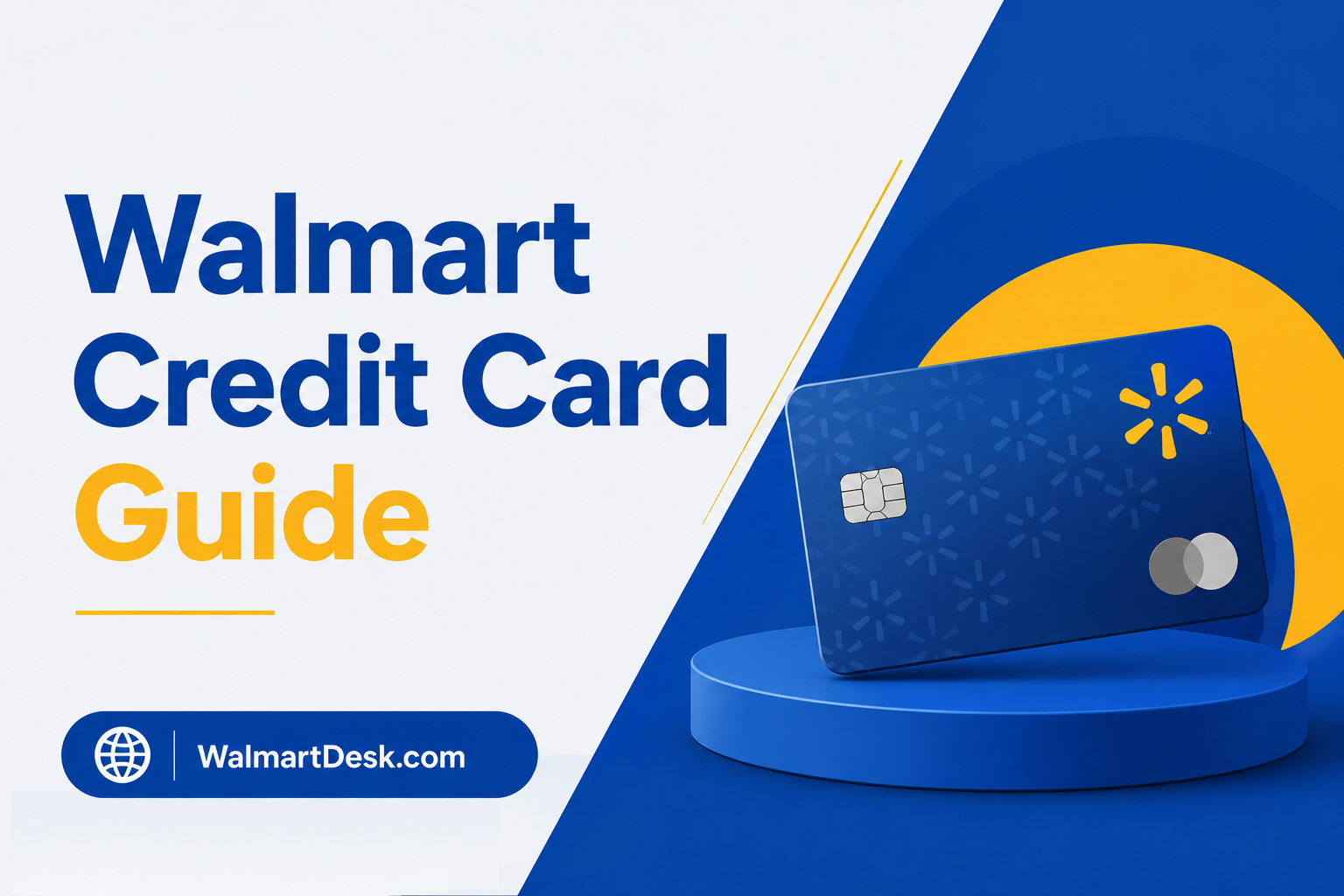
Walmart’s credit card today is the OnePay CashRewards Card, issued by Synchrony Bank, not Capital One.
Walmart ended Capital One partnership
If you searched for the Walmart credit card expecting the Capital One version, that card is gone. Walmart ended the Capital One partnership in 2024 and relaunched its credit program with OnePay, its own money app, and Synchrony Bank as the issuer.
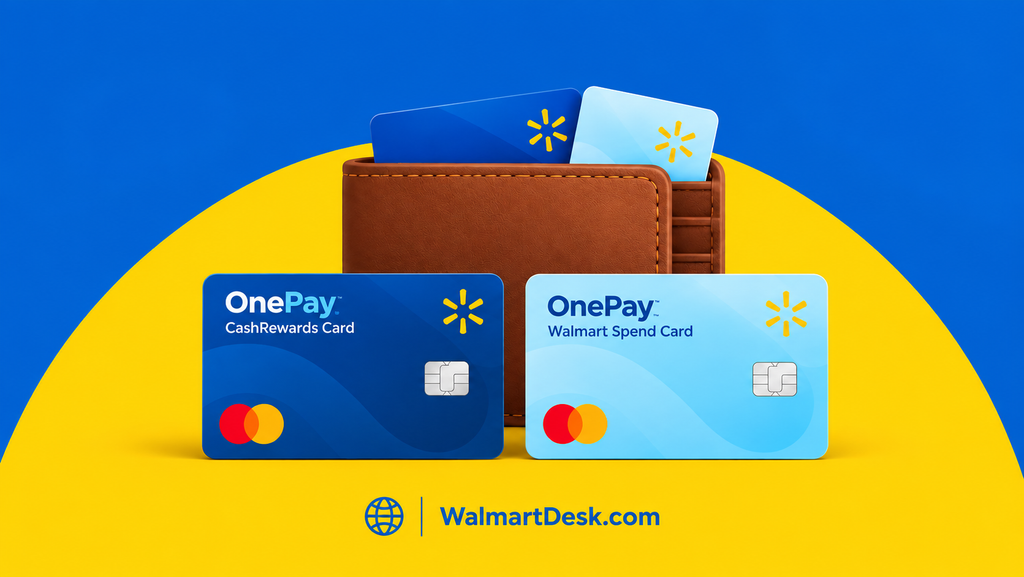
The program is actually built around two cards, and one application covers both. Which one you get depends on your credit.
| Card | Type | Where It Works | Cash Back |
|---|---|---|---|
| OnePay CashRewards Card | Mastercard | Anywhere Mastercard is accepted | 5% at Walmart (with Walmart+), 3% without, 1.5% elsewhere |
| OnePay Walmart Spend Card | Store card | Walmart stores and Walmart.com only | None |
The CashRewards Card is the one most people mean by “the Walmart credit card.” It’s a real Mastercard with no annual fee, so you can use it at the gas station or online, not just inside Walmart.
The Walmart Spend Card is the fallback that Synchrony offers to applicants who don’t qualify for the Mastercard, and it only works at Walmart with no rewards.
★ Here’s the part that annoys people: you don’t choose. You submit one application, Synchrony reviews it, and you’re approved for one card or the other based on your credit. You can’t pick the CashRewards Card, and you can’t upgrade the Spend Card to it on the spot.
Walmart Credit Card Rewards
The OnePay CashRewards Card earns cash back on every purchase, with no annual fee, and rewards post as OnePay points worth one cent each.
- Walmart with Walmart+ gets 5% cash back
- Walmart without Walmart+ gets 3% cash back
- Everywhere else on the Mastercard gets 1.5% cash back
That 5% rate matches what Amazon and Target give their own cardholders, but it only kicks in if your Walmart+ membership stays active and correctly linked to the card.
You redeem points as a statement credit or as a deposit into a OnePay Cash account in the app.
The current welcome offer is $35 in cash back after spending $75 in the first 30 days, though sign-up bonuses change over time, so check the live offer when you apply.
The 1.5% on non-Walmart spending is where I’d temper expectations. Plenty of no-fee cards give a flat 2% on everything, so this isn’t the card to run your whole life through. I treat it as a Walmart card first and leave the rest on a 2% card.
From Capital One to OnePay
The Capital One Walmart Rewards Mastercard was discontinued in 2024.
Walmart and Capital One ended their partnership on May 24, 2024, new applications stopped, and existing accounts were converted to standalone Capital One cards, mostly the Quicksilver card.
The split followed a 2023 lawsuit. Walmart moved to end the deal early and cited service problems like slow payment processing and delayed replacement cards. Capital One kept the accounts and rebranded them, and Walmart went and built its own program with OnePay and Synchrony.
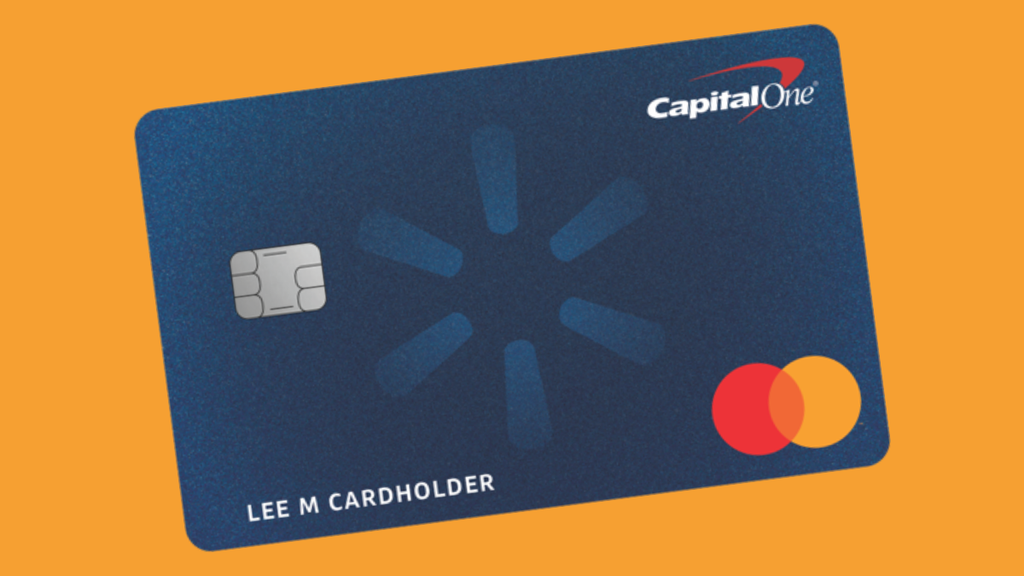
So, if you still have a card that started life as a Walmart Rewards card, it’s a Capital One account now, and OnePay has nothing to do with it.
Old Card Still Managed by Capital One
To manage it or make a payment, you deal with Capital One directly at capitalone.com, in the Capital One app, or by the number on the back of the card. Don’t call OnePay about an old Capital One balance, because they can’t see it.
Apply for the Walmart Credit Card
You can apply for the Walmart credit card in the OnePay app, on Walmart.com, in the Walmart app, or in person at many Walmart stores.
One application covers both OnePay cards, and you can check if you pre-qualify first with no hit to your credit score.
- Open the OnePay app, or go to the OnePay Card page on Walmart.com.
- Tap “See if you pre-qualify” to run a soft check. This shows your odds with no impact to your credit score.
- Submit the full application with your name, address, phone number, income, and Social Security number.
- Synchrony runs a hard credit pull and returns a decision, often within minutes.
- If approved, you’re issued either the CashRewards Card or the Walmart Spend Card, and you can usually start using it right away in the app.
The pre-qualify step is worth doing. It’s a soft pull, so it won’t ding your score, and it tells you if you’re likely to land the CashRewards Mastercard or the Spend Card before you commit to a hard inquiry.
If you want the 5% rate, set up Walmart+ and link it to the card before you start spending, not after. Rewards don’t backfill, so anything you buy before the membership is linked earns 3%, not 5%.
Walmart Credit Card Approval and Credit Score
There’s no officially published credit-score cutoff for the Walmart credit card, but the CashRewards Mastercard generally goes to applicants with good credit, roughly a 700 FICO or higher based on approvals people report. Lower scores are more likely to be offered the Walmart Spend Card instead.
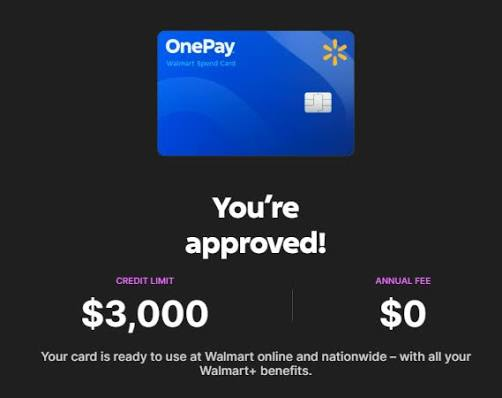
Synchrony doesn’t state a minimum, and approval weighs more than the number. Income, existing debt, and your history with Synchrony all factor in. But the pattern from cardholder reports is consistent that is, the Mastercard version leans toward good-to-excellent credit, and the store-only Spend Card is the fallback for thinner or lower files.
★ If your credit is on the edge, the Spend Card still builds history and reports to the bureaus, and you can use it at Walmart while your score climbs. It just won’t earn cash back, and it won’t work anywhere else.
Credit Card Payment and Account Management
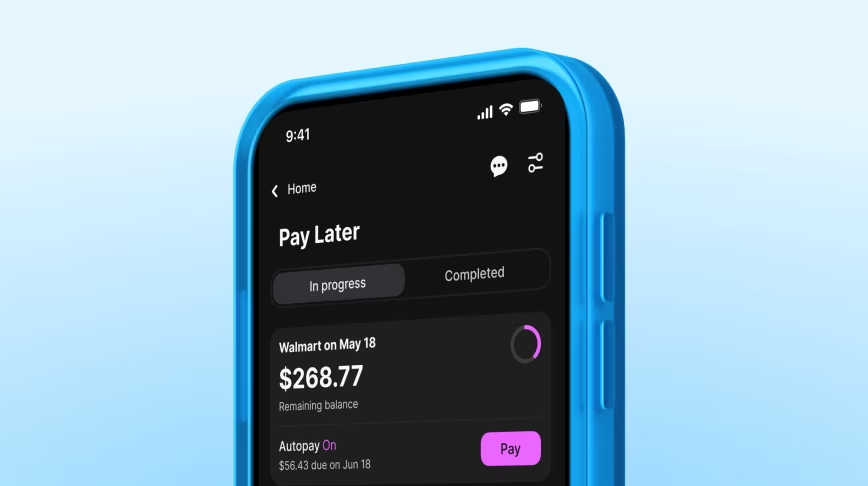
You make a Walmart credit card payment inside the OnePay app, where the card lives.
Payments come from a linked bank account or your OnePay balance, run as an ACH transfer, and post in about 2 to 3 business days, though they count as on time the day you submit them.
There’s no separate Synchrony website login for this card the way older store cards worked. The OnePay app is the account, so you check your balance, read your statement, pay your bill, and set up autopay all in one place.
Autopay is the setting I’d turn on right away, since the account only lives in the app and there’s no paper statement nudging you toward the due date.
Two things trip people up.
- Paying your card bill is not the same as paying at Walmart’s register. /
- Walmart still doesn’t accept Apple Pay or Google Pay at checkout, so to tap and pay in the store you add the CashRewards Card to OnePay Wallet and scan the QR code on the terminal.
OnePay is also a full banking app, not just a card. You can deposit cash fee-free at a Walmart MoneyCenter, pay other bills from the same balance, and move rewards straight into a OnePay Cash account.
Walmart Credit Card Fees and APR
The Walmart credit card has no annual fee on either the CashRewards Card or the Walmart Spend Card.
The CashRewards Card’s APR runs from about 21% to 30% variable based on early-2026 disclosures, and your exact rate is set by your credit and shown before you accept the card.
That range is typical for retail cards, but it’s high enough that the cash back stops mattering if you carry a balance. Earning 5% back while paying 27% interest just doesn’t make sense.
The card is worth it only if you pay it in full every month. Treat the rewards as a discount on spending you’d do anyway, not a reason to finance a TV. As with any card, a missed due date triggers a late fee, which is exactly what autopay prevents.
My Recommendations
I’d get the CashRewards Card if I were a weekly Walmart shopper and a Walmart+ member, using it only inside Walmart while keeping a flat 2% card for everything else.
Here’s the math that matters. The extra 2% over the non-member 3% rate needs to cover the $98 Walmart+ fee, which works out to about $8.17 a month. At a 2% rate, that means spending roughly $408 a month at Walmart, around $4,900 a year, just to break even on the membership through this card alone. Below that, the non-member 3% rate is the better deal.
If you already pay for Walmart+ for the free delivery, this math doesn’t really apply since the 5% is just a bonus on top. In that case, the card is close to a no-brainer.
I’d skip it if I only shopped at Walmart a few times a year, since the 1.5% everywhere-else rate trails better everyday cards. And if my credit only qualified me for the Spend Card, I’d take it purely as a credit-builder, not for rewards, since it doesn’t earn any.